Outstaffer.AI
Insightful BY OUTSTAFFER

Employee Monitoring Software

Employee tracking software that tells you exactly how your employees use their time. Get powerful data for a more productive and efficient team.

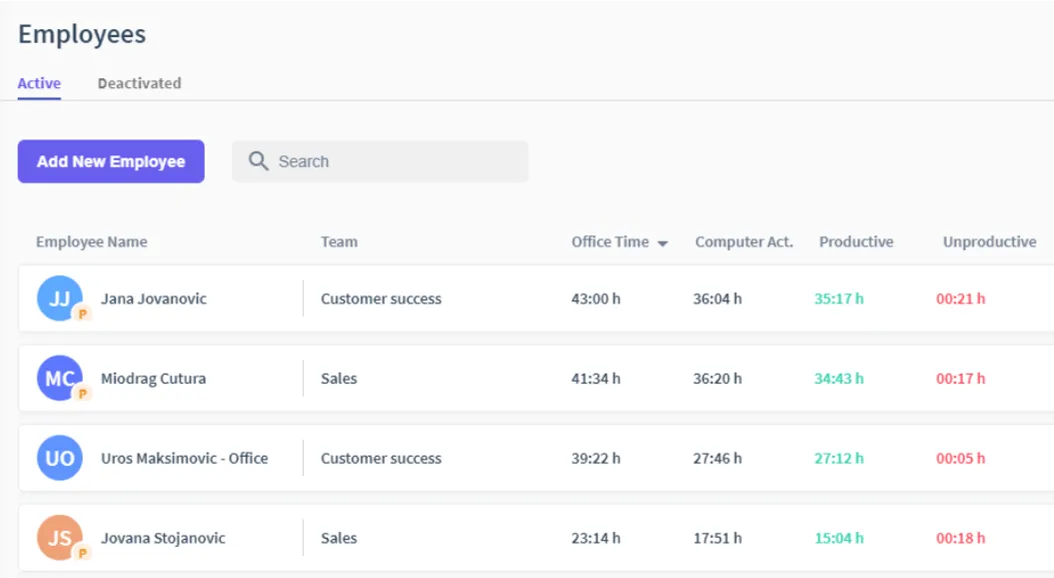
Insightful employee monitoring dashboards
WHY INSIGHTFUL BY OUTSTAFFER?

Get the Most out of Your Staffs’ Time

Time is money. Discover exactly what your distributed teams are up to every minute of the day with all-seeing employee monitoring and complete behavior analytics.

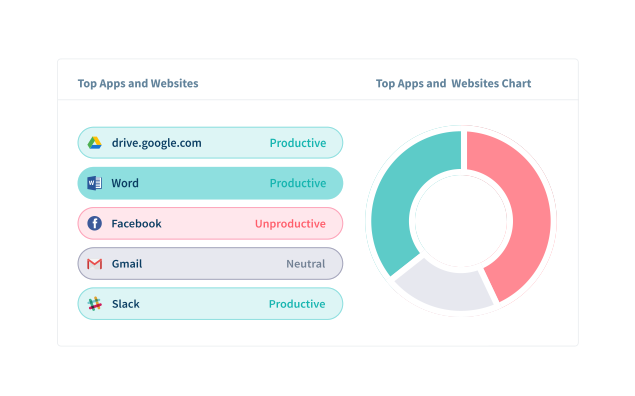
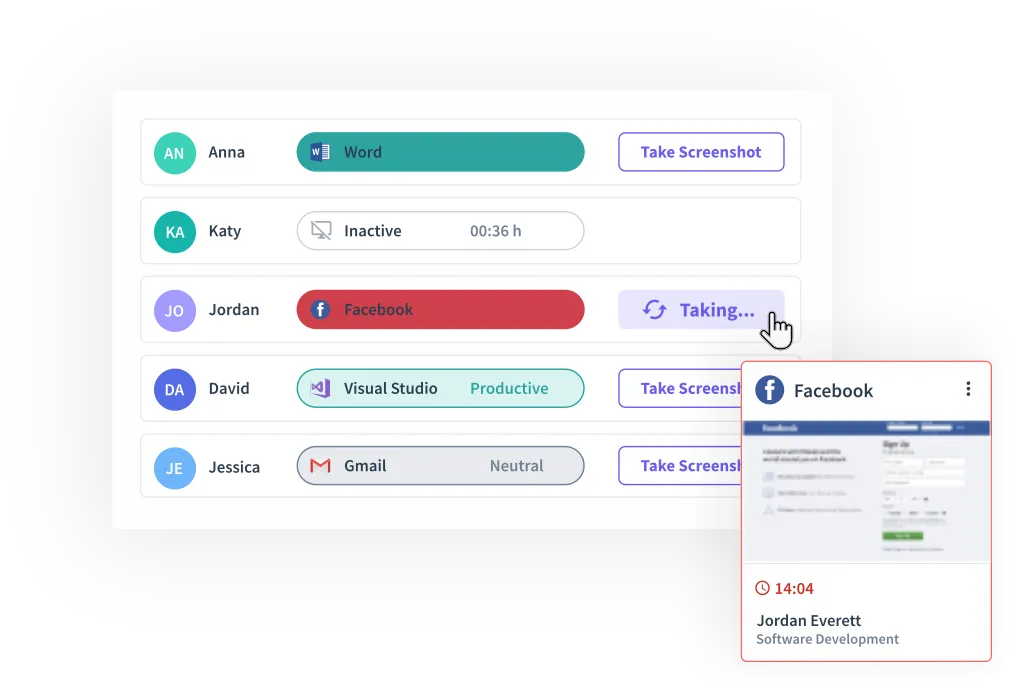
Dashboard showing app and website usage per employee
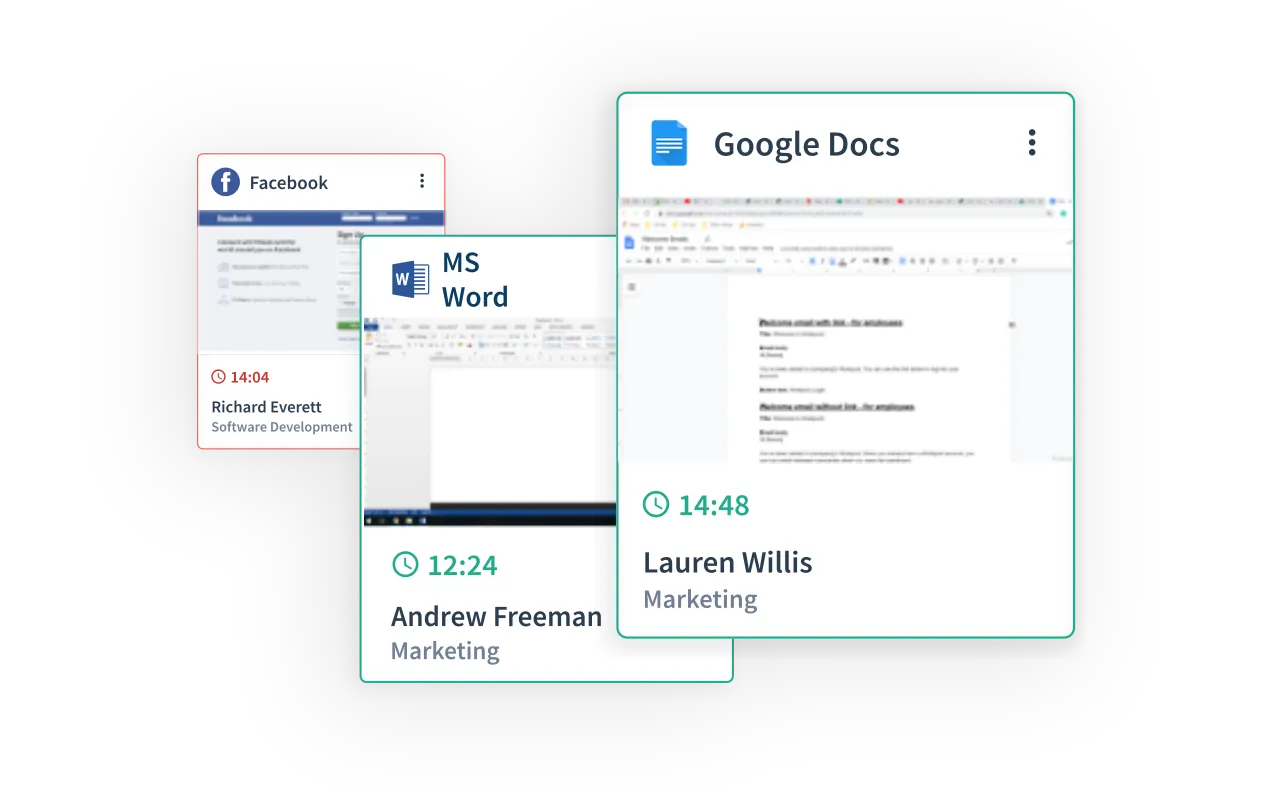
Screenshot gallery captured from employee devices
Activity tracking view with time spent per task
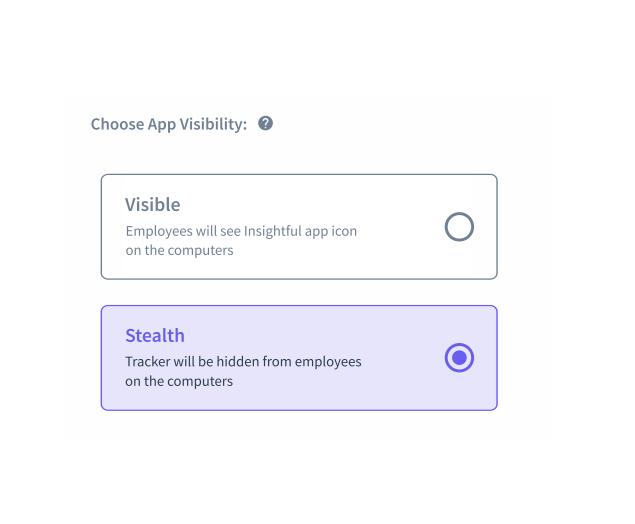
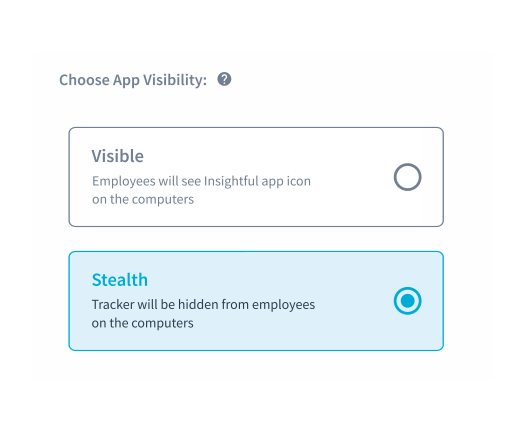
Stealth mode settings panel

Productivity-Focused Features

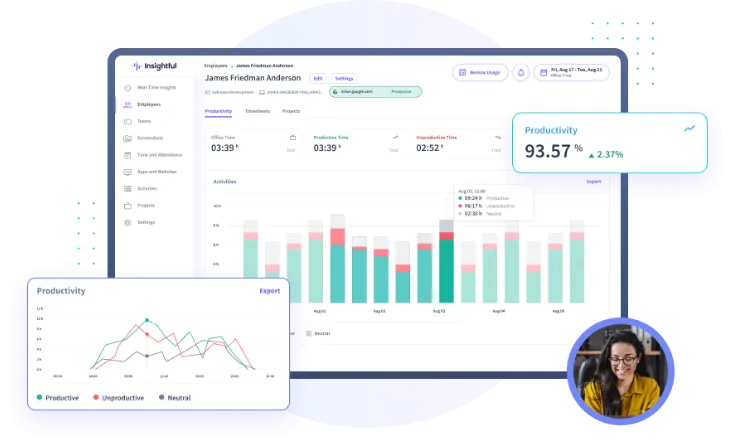
Insightful software for employee monitoring gives you a unique perspective of your employees’ productivity, daily activities, and timesheets.

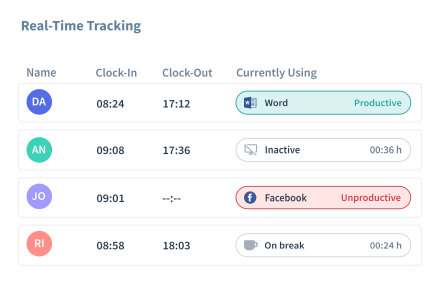
Real-time monitoring dashboard
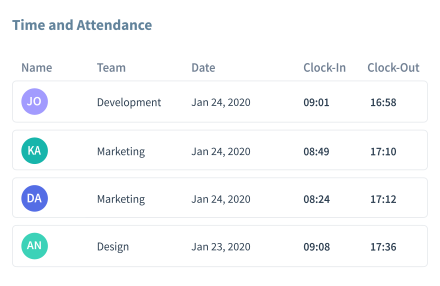
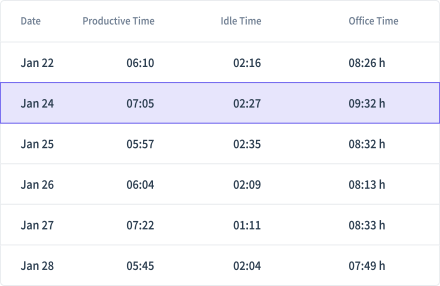
Time and attendance dashboard
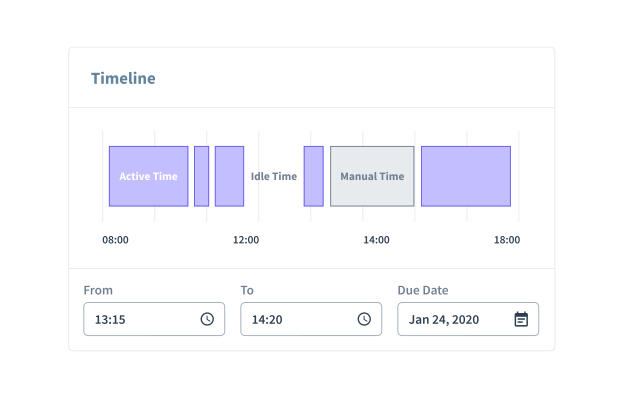
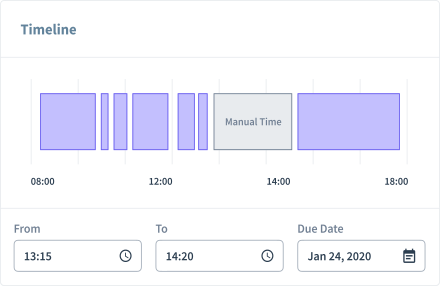
Manual time entry screen
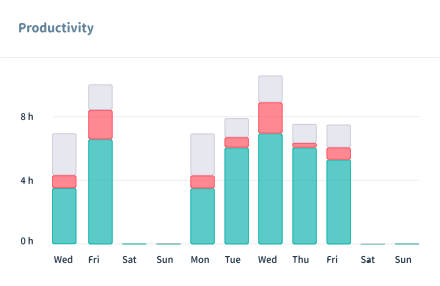
Productivity tracking report
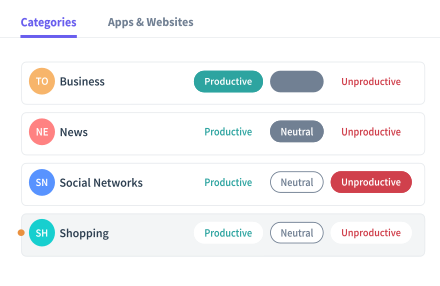
Productivity labelling settings
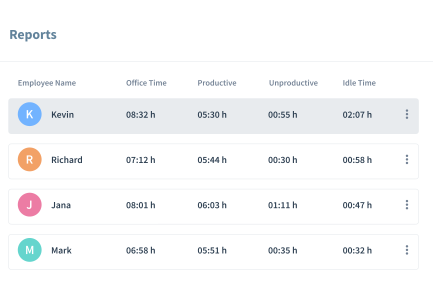
Scheduled reports screen
Historical timekeeping data
Manual screenshot trigger

Get Organized in Your Own Way

Use these features to limit data access, organize teams, and get the most out of Insightful.

Manager Login

Let managers see only their teams' data, analyze performance, and adjust productivity labels.

Employee Login

Promote transparency and accountability by giving your employees access to their own data.

Reports

Receive regular reports about your projects, or export them from the dashboard.

Raw Data

Get second-by-second detailed data about your employees' computer activities.

Alerts

Get alerts based on productivity levels, or unwanted activities.

Learn more about
Outstffer.com

Explore for Free

How Insightful Works in Different Teams

Use these features to limit data access, organize teams, and get the most out of Insightful.

Stealth mode settings for company-owned computers

Company Computers

This option is suitable for office teams who use company owned computers. Insightful starts automatically when the computer is on, but you can choose if it's going to track your employees non-stop, during certain hours or when computers are connected to a specific network.

  • Visible Mode
  • Stealth Mode
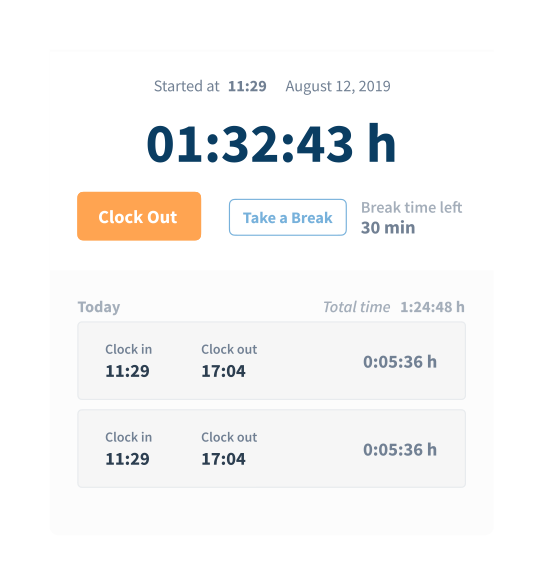
Clock in and out controls on a personal computer

Personal Computers

Personal computers option is more suitable for remote teams, but it's designed to give more control over tracking to employees themselves. By using the clock in/out buttons, workers decide when Insightful is tracking their time and activities.

  • Visible Mode

Use Cases

Improve Productivity and Focus

Comprehensive data insights provide a transparent view of employees' productivity, allowing you to identify and minimize any setbacks they may be experiencing. Additionally, the knowledge of computer monitoring software enhances employee focus, ensuring that their attention is directed towards the necessary tasks. This provides you with peace of mind, knowing that your employees' attention is appropriately allocated.
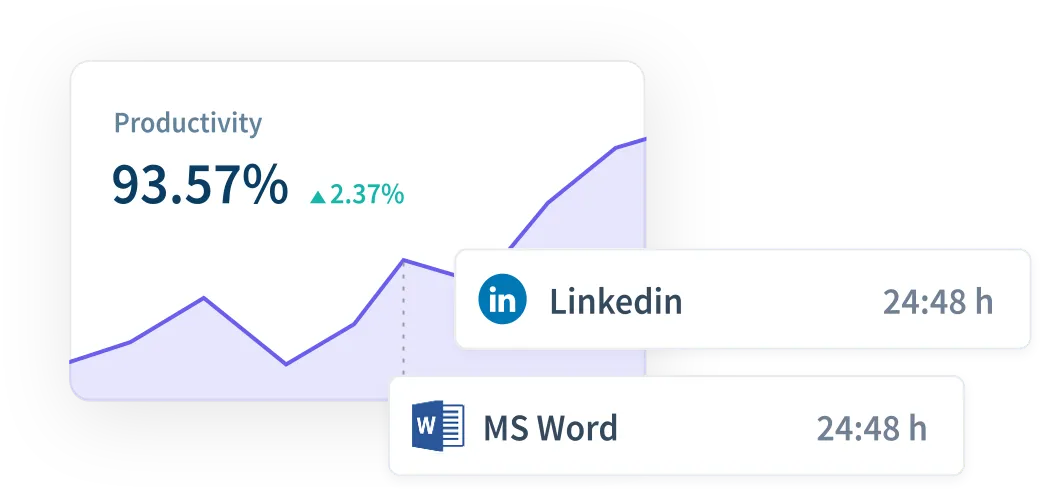
Productivity dashboard with a focus trend chart

Manage Remote Teams

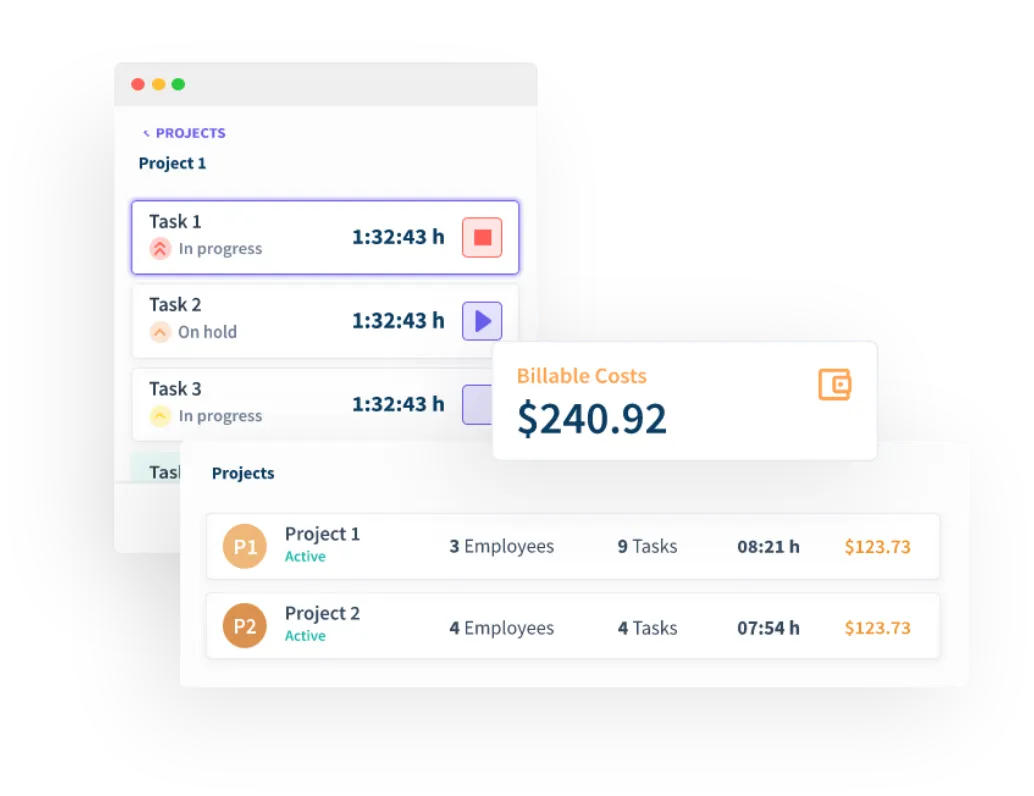
Monitoring remote employees can be a significant challenge, especially when they are located far away. However, with Insightful, you can maintain complete control over your remote workers by receiving daily reports on their active time, tracking their activities, and capturing screenshots. Furthermore, Insightful streamlines the payroll process by allowing you to input hourly rates for each member of your team, simplifying the calculation of wages.

Remote team overview with daily active time

Improve Attendance Accuracy

Employees’ attendance is automatically calculated and counted based on their computer activity, so their timesheets are created once they actually start working, not when they arrived to work. This helps you abide by local labor laws, but also cut down any losses that come from buddy punching and time theft.

Attendance timesheet generated from computer activity

Incredibly easy to install on all operating systems

Try the simplest solution today...

  • Available for

    Windows

  • Available for

    Mac

  • Available for

    Linux

WHY INSIGHTFUL BY OUTSTAFFER?

Why thousands have chosen Insightful

Top Rated Solution

Used by 100,000+ users at global companies who consistently rate us as the best productivity and analytics solution.

Best-in-Class Support

Talk directly to real people from our dedicated support team anytime you need support. No infuriating bots.

Enterprise Grade Security

Enjoy unmatched security with encrypted data, multi-certificate compliance and secure installation on-premise or in the cloud.

Get started with Outstaffer in three easy steps

Calendar illustration
  1. 01. Book a call or sign up

    Book a call with one of our Solutions Managers or create your free account. It’s quick, easy, and you’ll be ready to get started in minutes.

  2. 02. Add your people

    From new hires to your existing team, onboard them seamlessly with our simple-to-use self-serve platform

  3. 03. Dedicated onboarding

    Our dedicated team is here to guide you every step of the way ensuring you’re confident, supported, and set up for success.

We use analytics cookies to understand how the site is used, and Meta's and Google's advertising tags to measure our ads and show them to people who have visited. Essential storage needed for the site to work is always on. See our Privacy Policy.

Analytics cookies: Not set